Skip to content
Browsing

AVR

Home » AVR

AVR

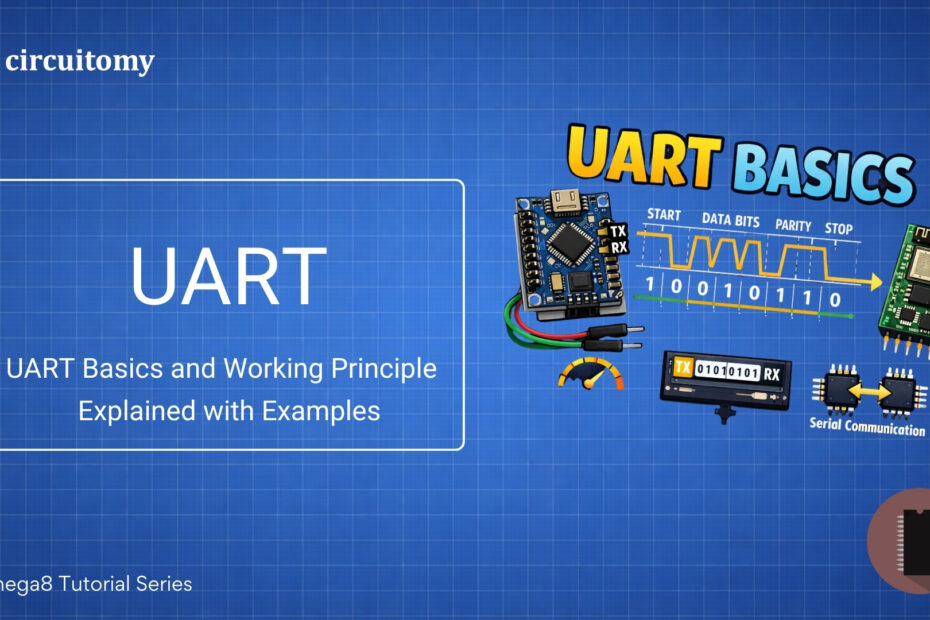
UART Basics and Working Principle Explained with Examples

  • 4 min read

Hey! Let’s dive into UART, a super cool way for gadgets like microcontrollers (think AVR Controller) to talk to each other. It’s like sending text messages between two devices, but instead of words, they send bits (0s and 1s). Here’s a simple explanation to get you started! What is UART? UART stands for Universal Asynchronous… 
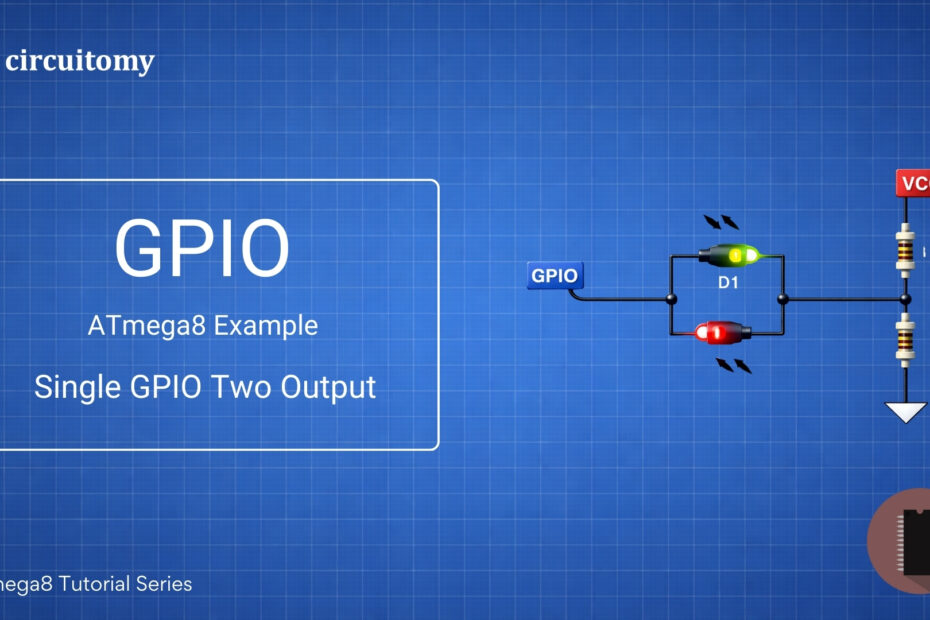
AVR Digital Inputs: Build a 4-Bit Binary Counter from Scratch!

  • 5 min read

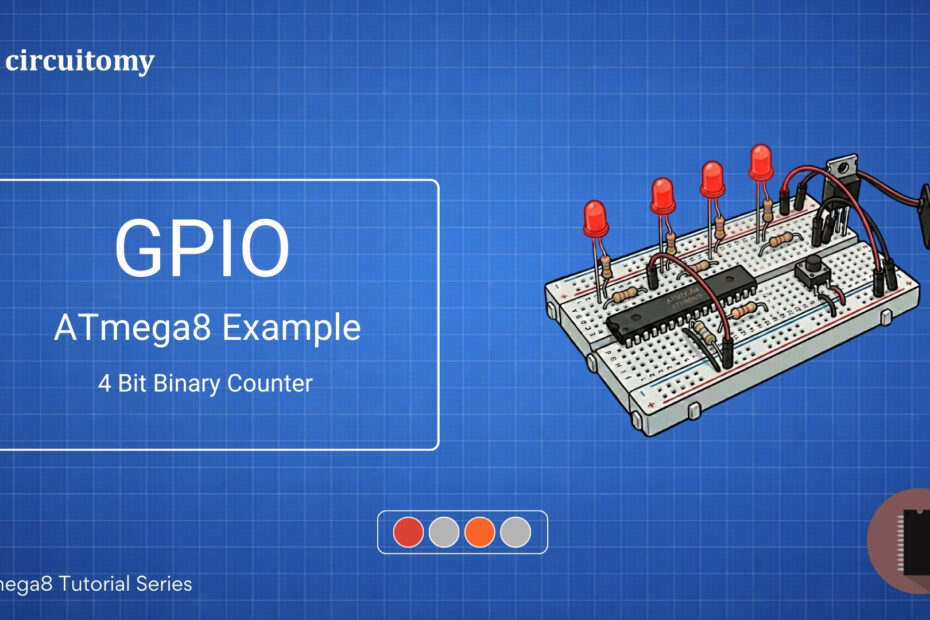
Are you interested in learning how to create a simple 4-bit binary counter using the ATmega8 microcontroller? This project is perfect for beginners who want to dive into embedded systems and microcontroller programming. In this tutorial, I’ll guide you step-by-step to build a 4-bit binary counter that counts from 0000 to 1111 (0 to 15… 

LED and Button with ATmega8 – AVR GPIO Input Tutorial (Beginner Friendly)

  • 7 min read

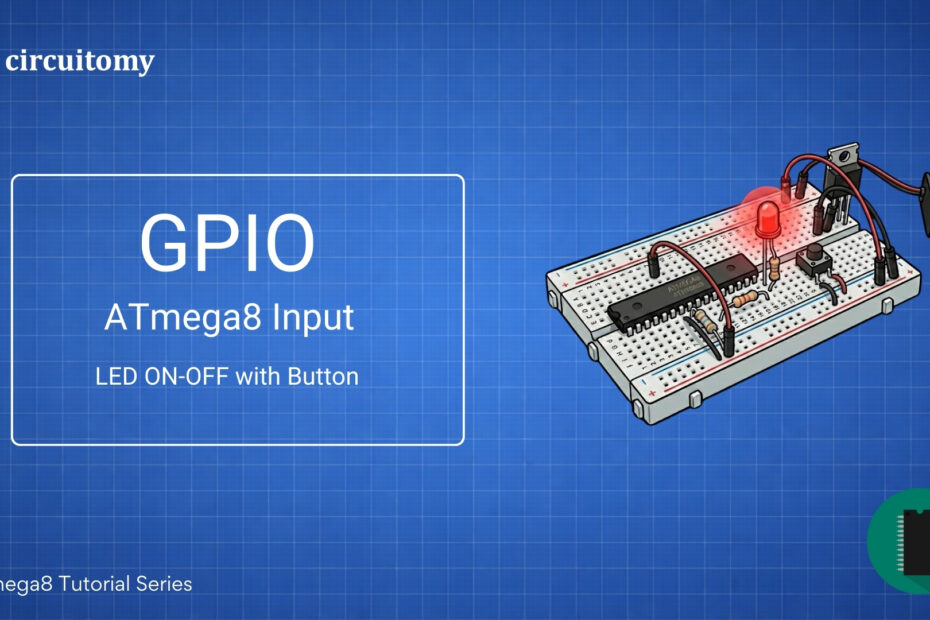
Today, we will learn how to interface a push button with the Atmega8 microcontroller using a hardware pull-up resistor. This project will help you understand how microcontrollers read button inputs.Let’s break everything down in a simple way!A push button is a simple switch that connects or disconnects the circuit when you press it. Microcontrollers like… 

LED Blink Using ATmega8 – AVR GPIO Output Tutorial (Beginner Friendly)

  • 3 min read

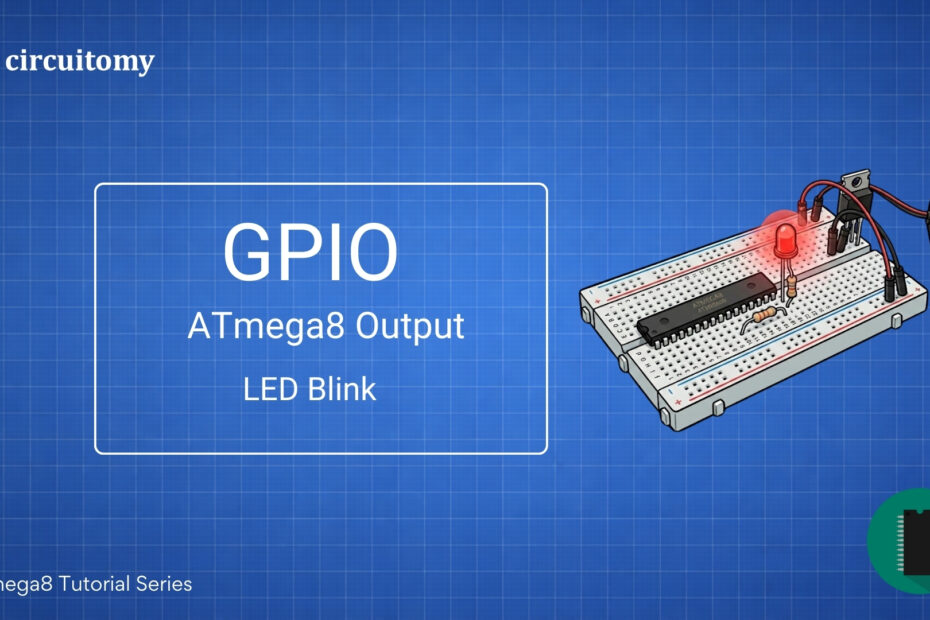
Blinking an LED is the simplest way to get started with ATmega8 programming. The basic steps are: • Configure a GPIO pin as output.• Turn the LED ON and OFF with a delay. Components Required • ATmega8 microcontroller• LED• 220Ω resistor (for current limiting)• AVR Programmer (like USBasp)• Breadboard and Jumper Wires• 5V Power Supply Programming Diagram Circuit Diagram… 

AVR ATmega8 GPIO Pin Setup on Breadboard – Beginner's Microcontroller I/O Guide

How to Define and Setup AVR GPIO Pins: Beginner’s Guide to AVR Microcontroller I/O

  • 6 min read

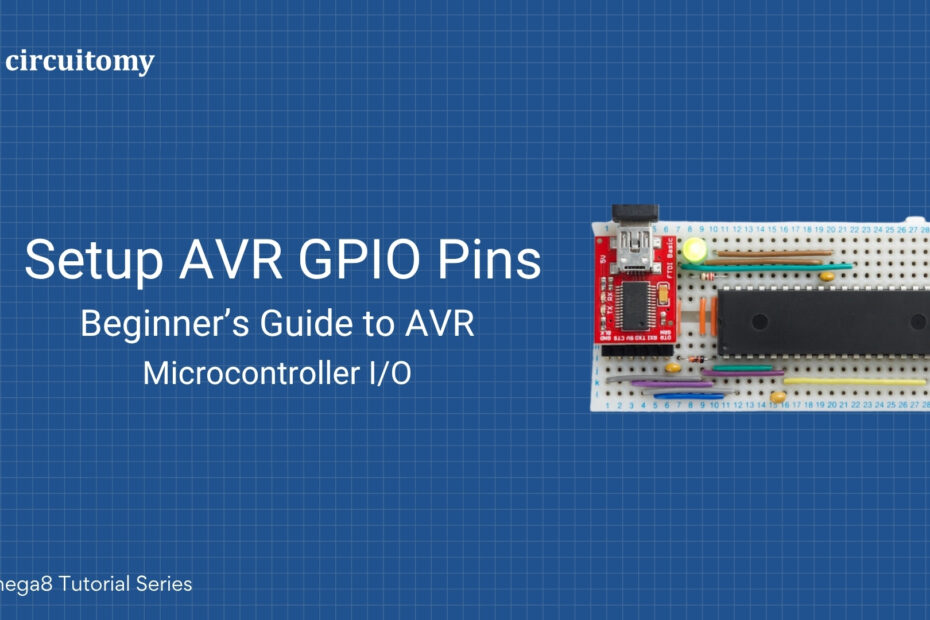
The ATmega8 is a popular microcontroller from the AVR family by Microchip (formerly Atmel). It has 23 GPIO (General Purpose Input/Output) pins divided across three ports: PortB, PortC, and PortD. Below is a basic tutorial on how to configure and use GPIO pins on the ATmega8. 1. GPIO Ports in ATmega8 • PortB (PB0-PB7): 8… 

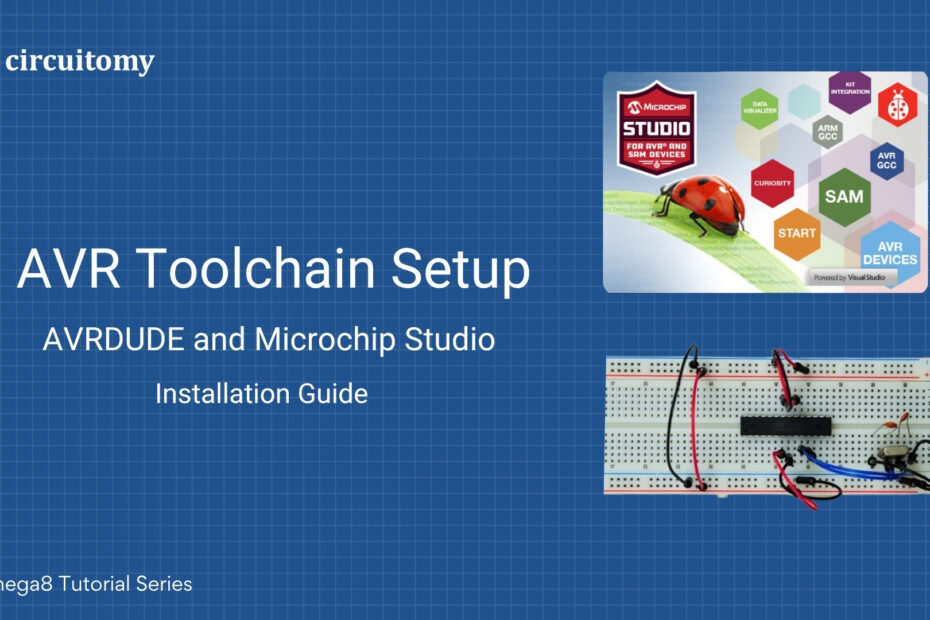
AVR Toolchain Setup – Microchip Studio and AVRDUDE Installation with ATmega8 on Breadboard

AVR Toolchain Setup : AVR DUDE and Atmel Studio Installation Guide

  • 4 min read

Atmel Studio Atmel Studio 7.0 is an IDE for AVR and ARM microcontrollers, and AVRDude is a command-line utility used to program AVR microcontrollers. Here’s how you can set up Atmel Studio 7.0 and configure it with AVRDude: Step 1: Download and Install Atmel Studio 7.01. Download Atmel Studio 7.0Visit: https://www.microchip.com/en-us/tools-resources/develop/microchip-studio Download the offline installer…