Skip to content
Browsing

AVR

Home » AVR

AVR

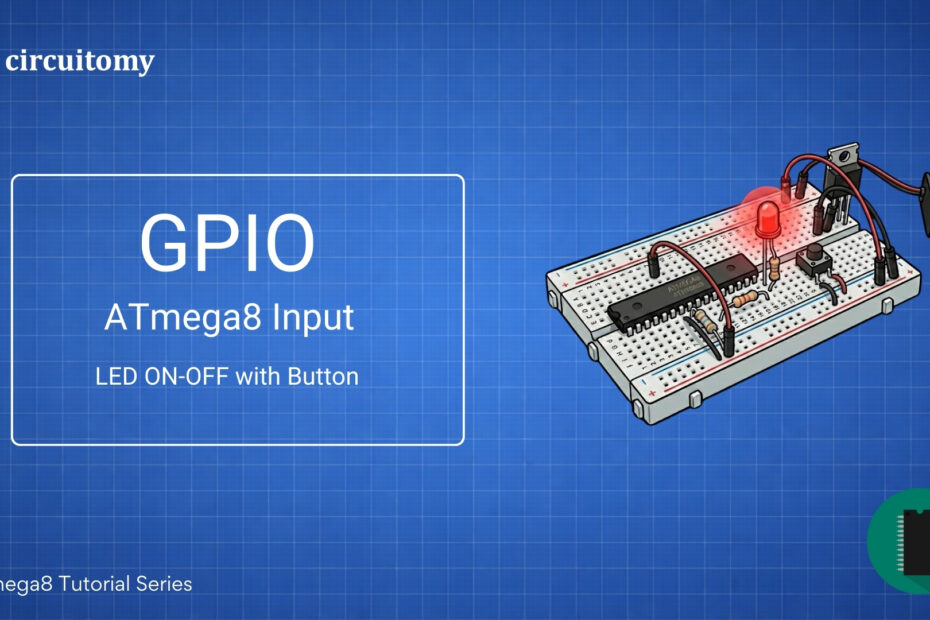
ATmega8 GPIO Input LED and Button Circuit Diagram – AVR Microcontroller Tutorial

LED and Button with ATmega8 – AVR GPIO Input Tutorial (Beginner Friendly)

  • 7 min read

Today, we will learn how to interface a push button with the Atmega8 microcontroller using a hardware pull-up resistor. This project will help you understand how microcontrollers read button inputs.Let’s break everything down in a simple way!A push button is a simple switch that connects or disconnects the circuit when you press it. Microcontrollers like… 

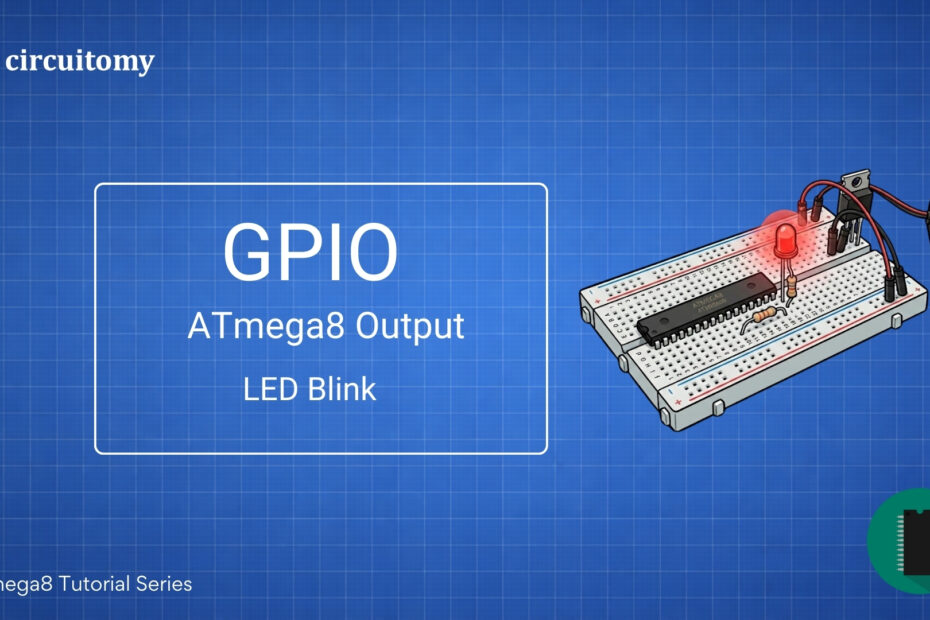
ATmega8 GPIO Output Circuit Diagram for LED Blink – AVR Microcontroller Project

LED Blink Using ATmega8 – AVR GPIO Output Tutorial (Beginner Friendly)

  • 3 min read

Blinking an LED is the simplest way to get started with ATmega8 programming. The basic steps are: • Configure a GPIO pin as output.• Turn the LED ON and OFF with a delay. Components Required • ATmega8 microcontroller• LED• 220Ω resistor (for current limiting)• AVR Programmer (like USBasp)• Breadboard and Jumper Wires• 5V Power Supply Programming Diagram Circuit Diagram… 

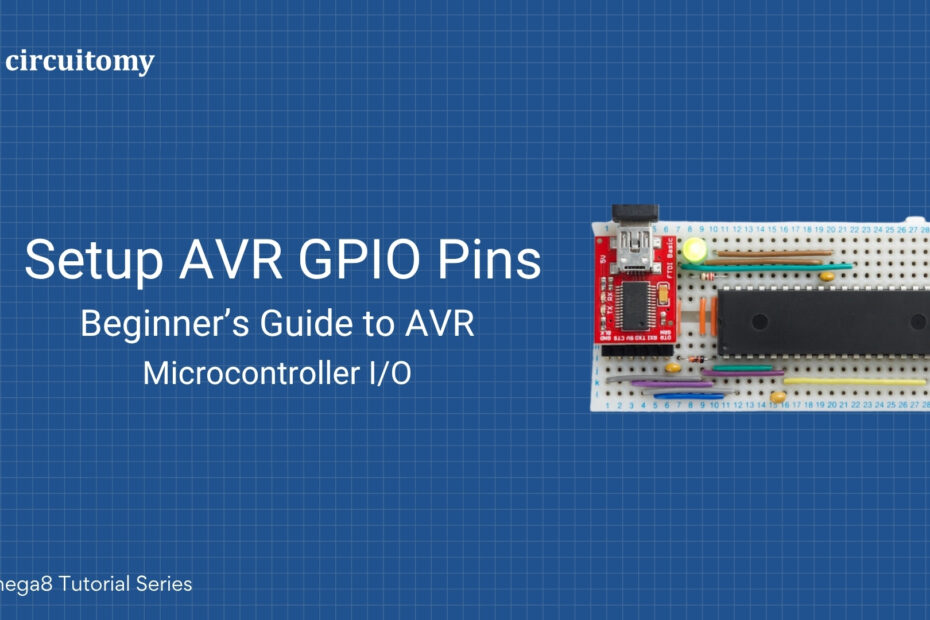
AVR ATmega8 GPIO Pin Setup on Breadboard – Beginner's Microcontroller I/O Guide

How to Define and Setup AVR GPIO Pins: Beginner’s Guide to AVR Microcontroller I/O

  • 6 min read

The ATmega8 is a popular microcontroller from the AVR family by Microchip (formerly Atmel). It has 23 GPIO (General Purpose Input/Output) pins divided across three ports: PortB, PortC, and PortD. Below is a basic tutorial on how to configure and use GPIO pins on the ATmega8. 1. GPIO Ports in ATmega8 • PortB (PB0-PB7): 8… 

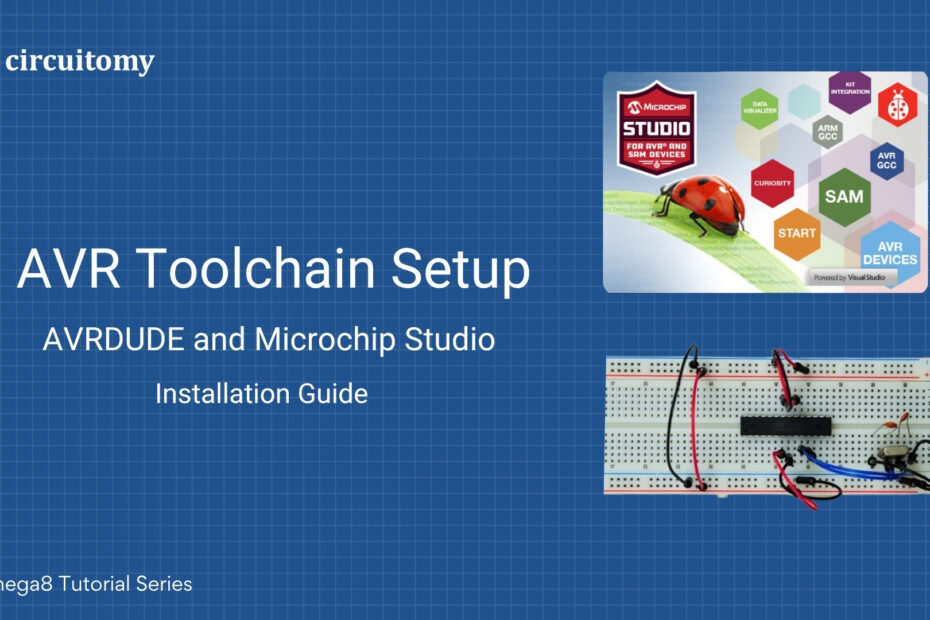
AVR Toolchain Setup – Microchip Studio and AVRDUDE Installation with ATmega8 on Breadboard

AVR Toolchain Setup : AVR DUDE and Atmel Studio Installation Guide

  • 4 min read

Atmel Studio Atmel Studio 7.0 is an IDE for AVR and ARM microcontrollers, and AVRDude is a command-line utility used to program AVR microcontrollers. Here’s how you can set up Atmel Studio 7.0 and configure it with AVRDude: Step 1: Download and Install Atmel Studio 7.01. Download Atmel Studio 7.0Visit: https://www.microchip.com/en-us/tools-resources/develop/microchip-studio Download the offline installer…